Introduction
Building a healthy viewing routine is more than setting limits; it is about choosing the right content and tracking progress.
Building a Routine
Start by defining a daily schedule that includes learning, play and rest. Allocate specific time slots for YouTube that fit into this schedule.
Using the Review Directory
Search for a channel or topic and read the short summary. The age guidance tells you if the content is suitable for your child’s age group.
Rating System
After watching a video, leave a rating. This helps you remember which videos you liked or disliked and informs other parents.
Setting Limits
- Time Limits: Use the app’s timer or a separate timer to enforce the schedule.
- Content Limits: Stick to a list of approved videos.
- Breaks: Encourage short breaks between sessions.
Tracking Progress
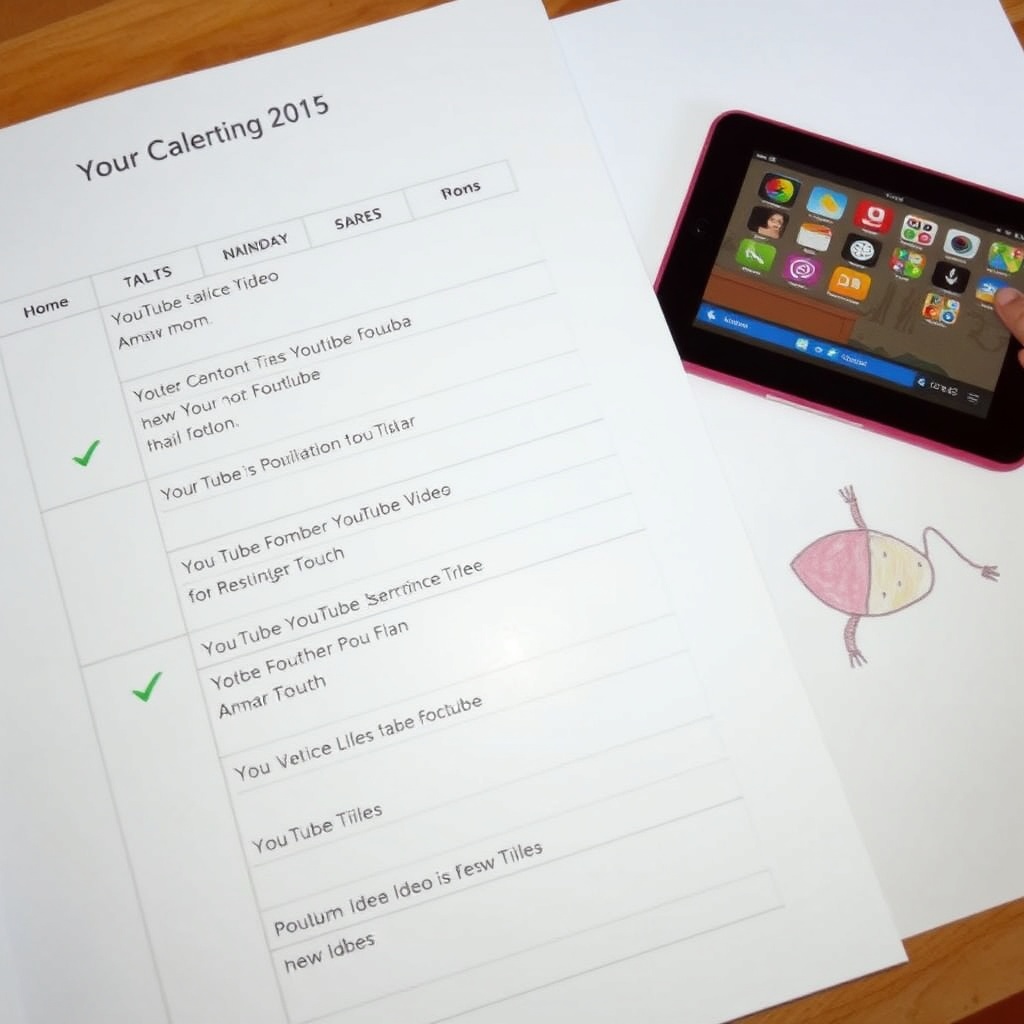
Use a simple chart or a calendar to mark each viewing session. Review the chart weekly to see if the routine is working.
Conclusion
With the tools from Whats My Kid Watching, you can turn screen time into a purposeful and balanced part of your child’s day.